
Download by link
Paste a channel URL, an @handle, or a video on that channel. YouTube profile picture download from the address is enough.
Free · Public file · No template pack
YouTube profile picture downloader from a link: paste the channel or a video on it, preview the public avatar, save the square JPG YouTube already shows.
YouTube Profile Picture Downloader
Public image
No public profile picture files were available for this channel.
Features
It saves the published channel icon. It does not design a new one.
Paste a channel URL, an @handle, or a video on that channel. YouTube profile picture download from the address is enough.
The same public avatar at common square sizes (48 through 900). This page does not invent a 4K circle.
No templates, no gaming packs, no “no copyright” clipart. Only the icon the channel already published.
Free, no signup, no extension. View, copy, or download in this tab.
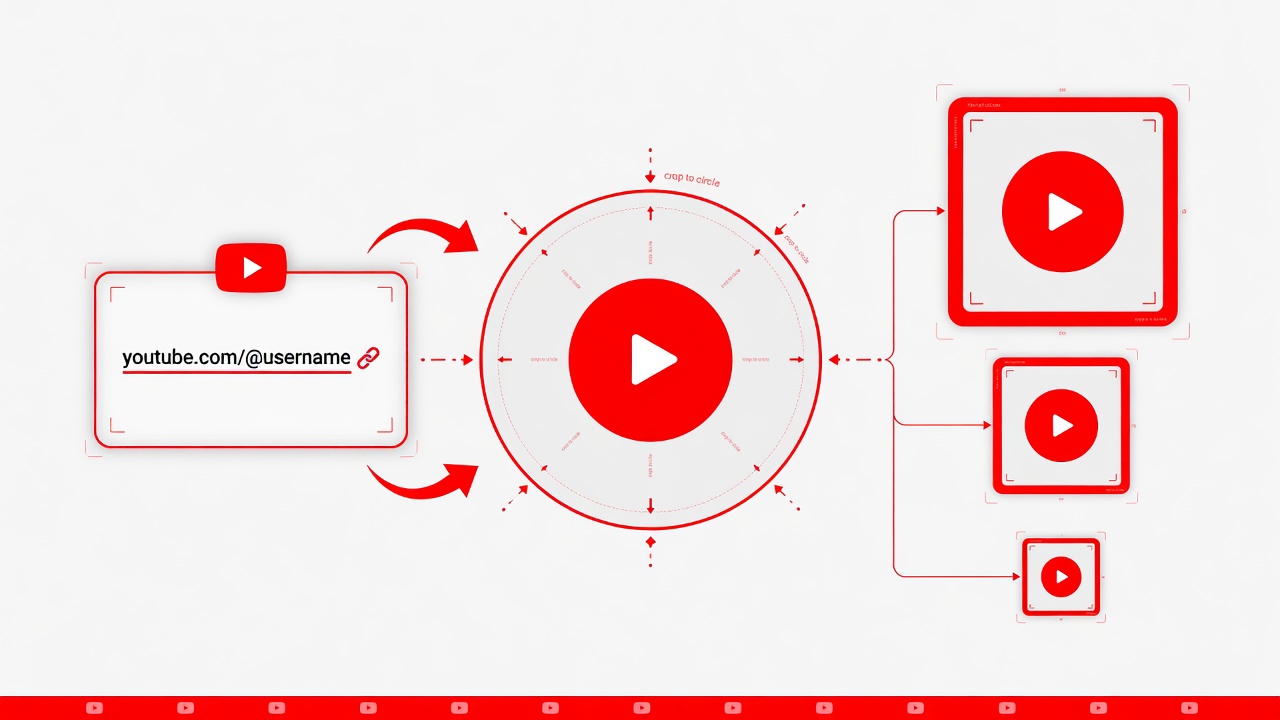
What it is
A YouTube profile picture is the circular channel icon in search, comments, and the channel header. Downloading it here means asking for the public square file that page already loads — also searched as channel avatar, channel icon, or profile pic.
The file lives on YouTube’s image hosts. This page sends the public channel or video link to a same-origin lookup, then lists common square sizes from that same public image. It does not store the link as a history.
HD on this page means the largest public square YouTube stored, often 800×800 or 900×900. It is not a 4K circle and not a template pack.
How to
Three steps: paste the channel, preview the squares, save the JPG.
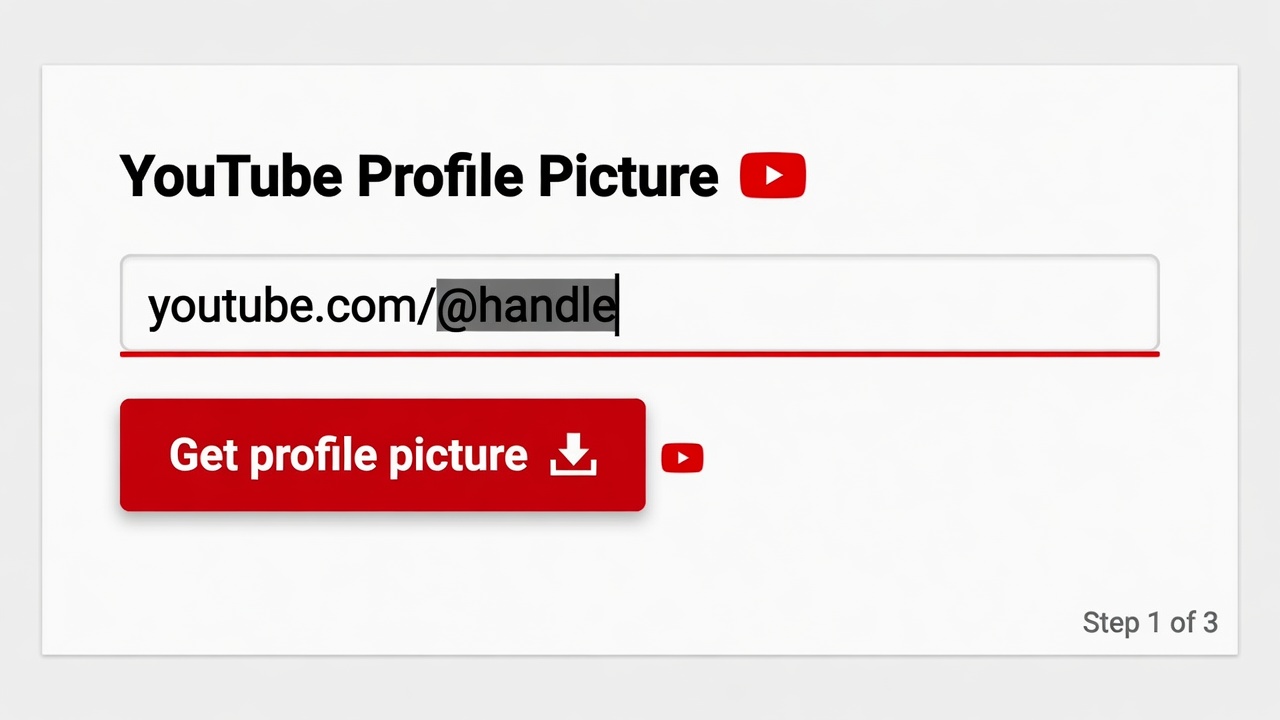
Step 1
An @handle, /channel/ ID, or a public watch URL is enough for this YouTube profile picture downloader.
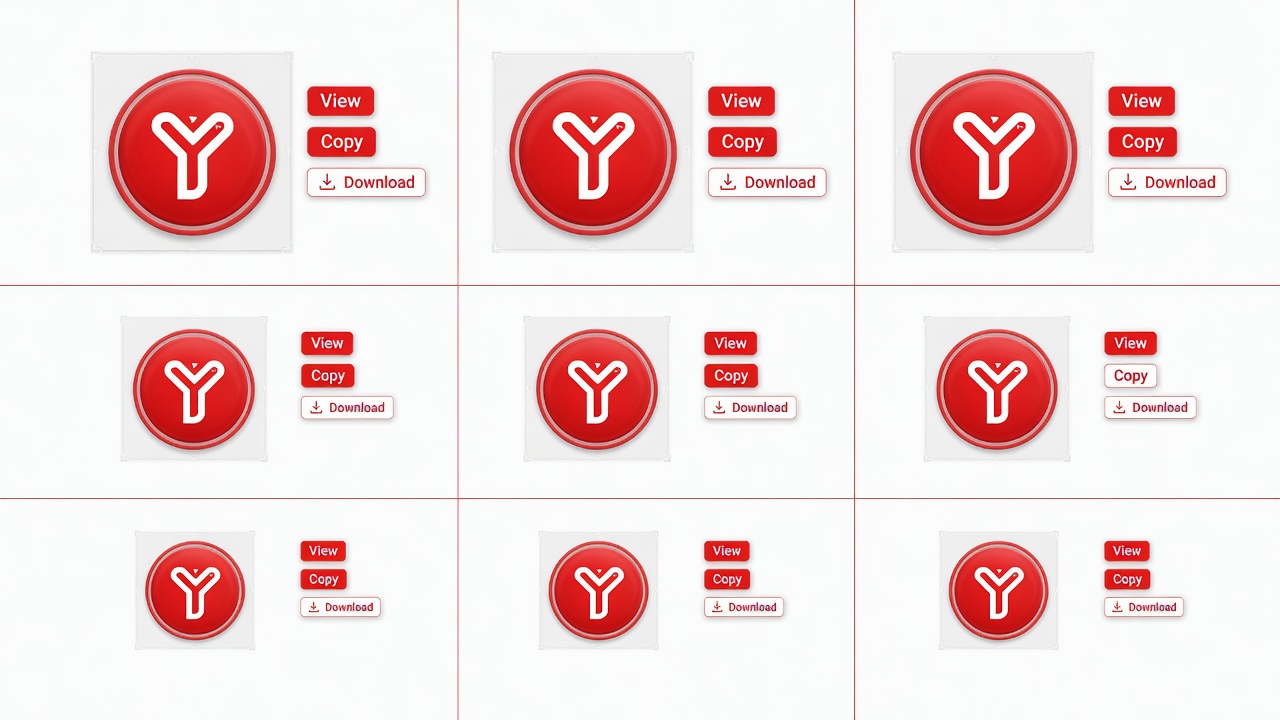
Step 2
The grid lists the public avatar at the sizes YouTube serves from that same file.
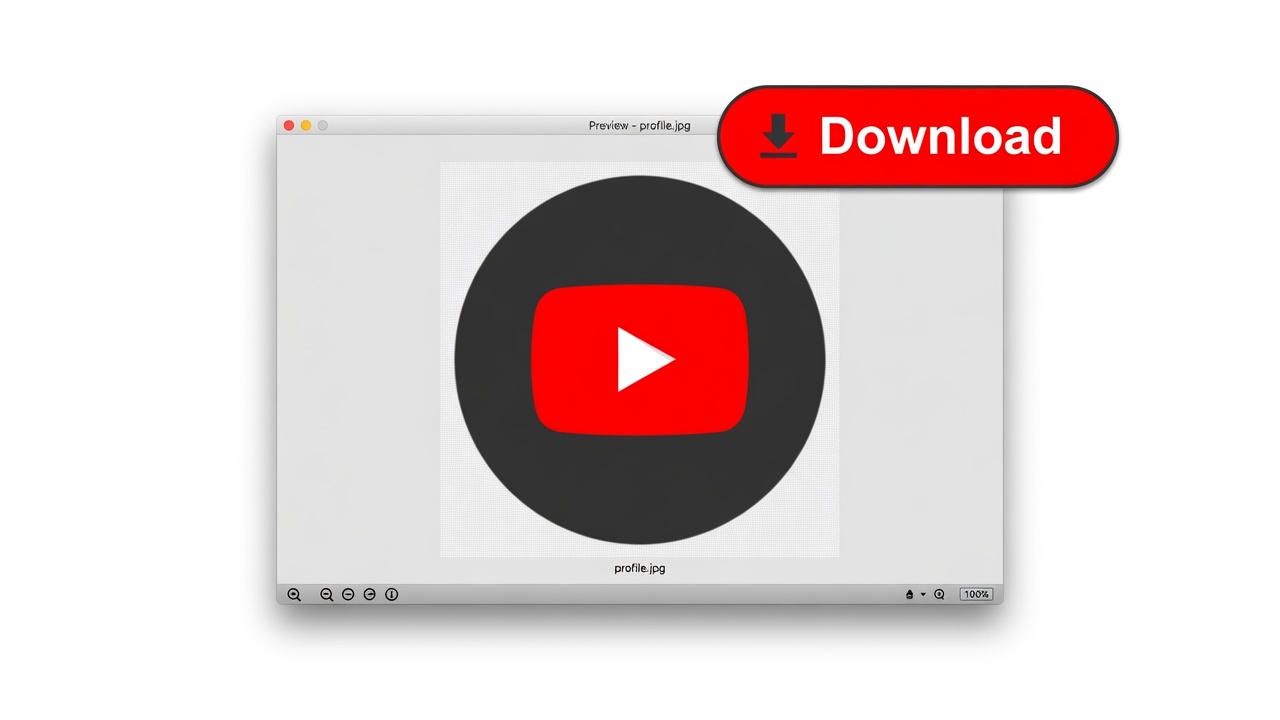
Step 3
Save the size you need. HD here means the largest public square YouTube stored, usually 800 or 900 pixels.
Why here
Other results mix makers and size charts. This URL only returns the published icon.
The grid is the public avatar. It does not generate a new face or a gaming logo.
Paste a watch URL when you do not have the channel page.
Use YouTube channel banner download for channel art.
That is the YouTube Thumbnail Downloader on the homepage.
Limits
Product limits, not legal small print.
When to use it
Reference, a write-up, or recovering your own published icon.
Input: Their channel or a video on it
Output: The public avatar, not a tiny comment-thread crop
Note: Still their art.
Input: The channel you are writing about
Output: A clean square JPG
Note: Credit the channel.
Input: Your @handle
Output: The public file currently on the channel
Note: Studio still holds the original upload if you need a larger master.
FAQ
Written like the Google box — answered with what this downloader does.
Paste the channel @handle, the /channel/ URL, or a public video from that channel, then click Get profile picture. Download the square size you want.
Yes. Profile picture download by link is the whole job. You do not need the raw yt3 image address.
Use your channel URL the same way. This returns the public avatar the channel page already shows, including after you change it in Studio.
No. Template, gaming, Free Fire, and “no copyright” packs are maker searches. This downloader only saves a real channel’s published icon.
YouTube displays avatars as squares. This page lists common public sizes from 48×48 up to 900×900 when that file exists. Official upload guidance is a separate Studio spec.
Only if YouTube stored a square that large. Typical public avatars top out around 800–900 pixels. This tool does not upscale.
No. It is a webpage. Works in a desktop or phone browser.
Yes. Public channels, no account, no watermark, no daily cap.
Yes. A public watch, Shorts, or youtu.be link is enough. The tool finds the channel that owns the video, then loads that avatar.
This page is the avatar. Use YouTube channel banner download for the wide header. They are two different public files.
No. Changing the icon is YouTube Studio. This page only downloads the public file.
The image is the channel’s artwork. This page only requests the public file the channel page already loads. Reference is the usual use. This is not legal advice.
Ready
Paste a public channel or video link. YouTube profile picture download from that address is enough.
Download a profile pictureYour feedback helps us make YouTubeThumb.com better.

Thank you for your feedback