
Download by link
Paste a channel URL, an @handle, or a video on that channel. YouTube channel banner download from the address is enough — you do not hunt the yt3 image URL by hand.
Free · Public file · No template pack
YouTube channel banner download from a link: paste the channel or a video on it, preview the public header art, save the JPG YouTube already shows.
YouTube Channel Banner Download
Public image
This channel has no public banner file in the sizes YouTube currently serves.
Features
It is a downloader for published channel art, not a banner maker.
Paste a channel URL, an @handle, or a video on that channel. YouTube channel banner download from the address is enough — you do not hunt the yt3 image URL by hand.
This is channel art the channel page already loads. It is not a 2560×1440 Photoshop canvas we invent, and it is not a “welcome to my channel” template pack.
YouTube serves the same banner at several display widths. The grid lists those files. A missing banner means the channel never published one.
Free, no signup, no extension. This page does not design a banner, pick fonts, or export PSD.
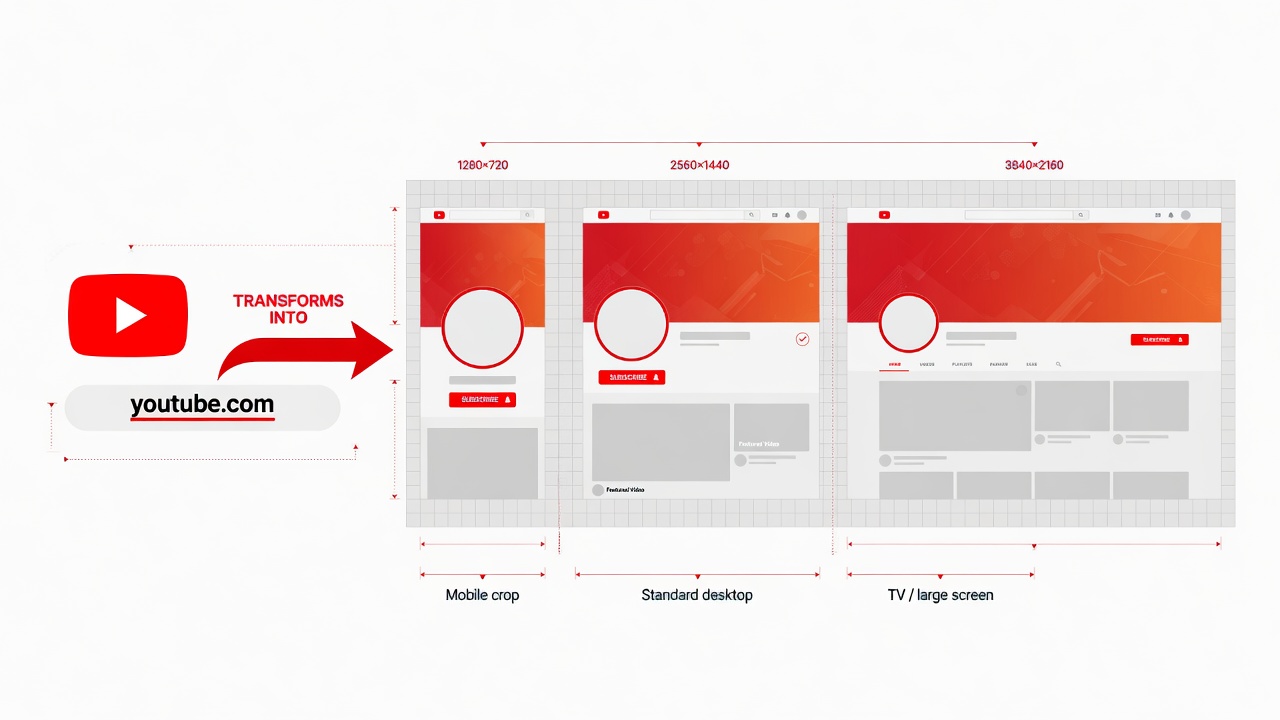
What it is
A YouTube channel banner is the wide header on a channel page — also searched as channel art or cover photo. Downloading it here means asking for the public image that page already loads, not a screenshot of the header chrome and not a blank template.
YouTube stores that file on its image hosts (yt3.googleusercontent.com). The page sends the public channel or video link to a same-origin lookup, reads the banner addresses from the public channel page, then lists the display widths YouTube currently serves. It does not store that link as a history, and you do not build the image address by hand.
Official help still tells creators to upload a 2560×1440 canvas. The file this downloader returns is the cropped header the site actually shows, labeled with real pixels. That is the difference between saving published art and downloading a “banner size guide.”
How to
Three steps: paste the channel, preview the public header, save the JPG. No app.
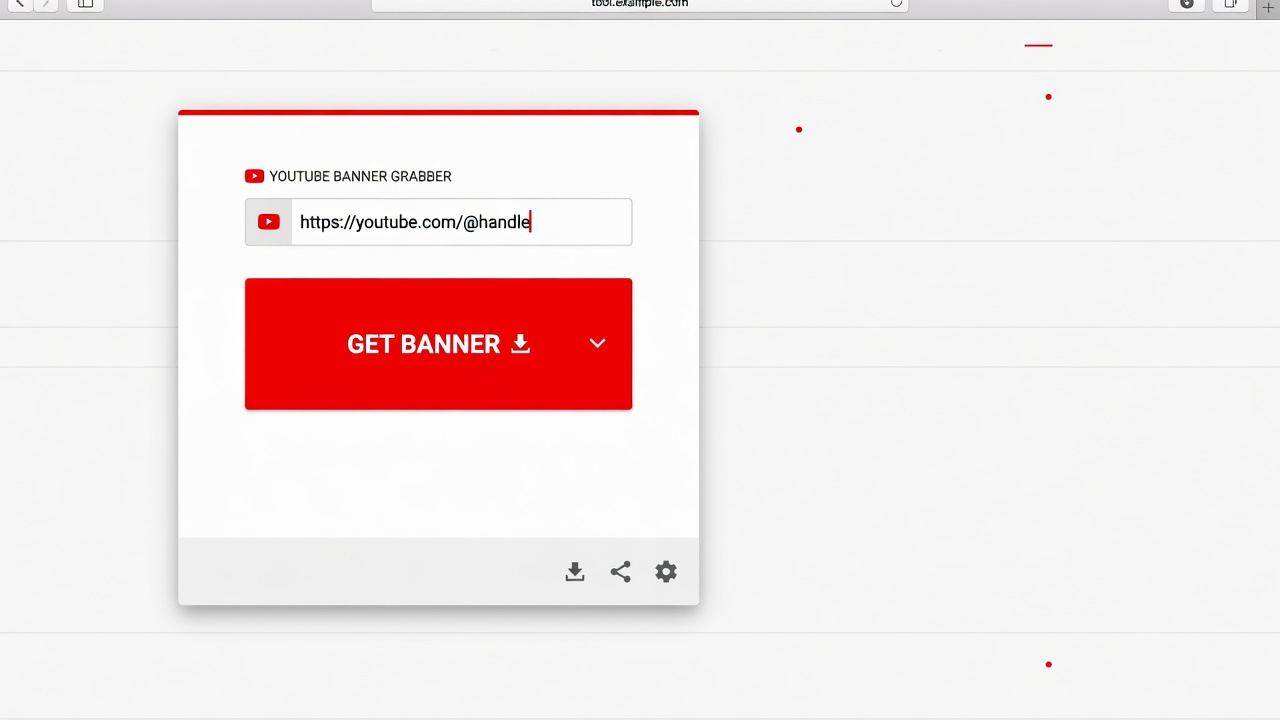
Step 1
Copy the channel page, the @handle, or any public video from that channel. That is a YouTube channel banner download by link.
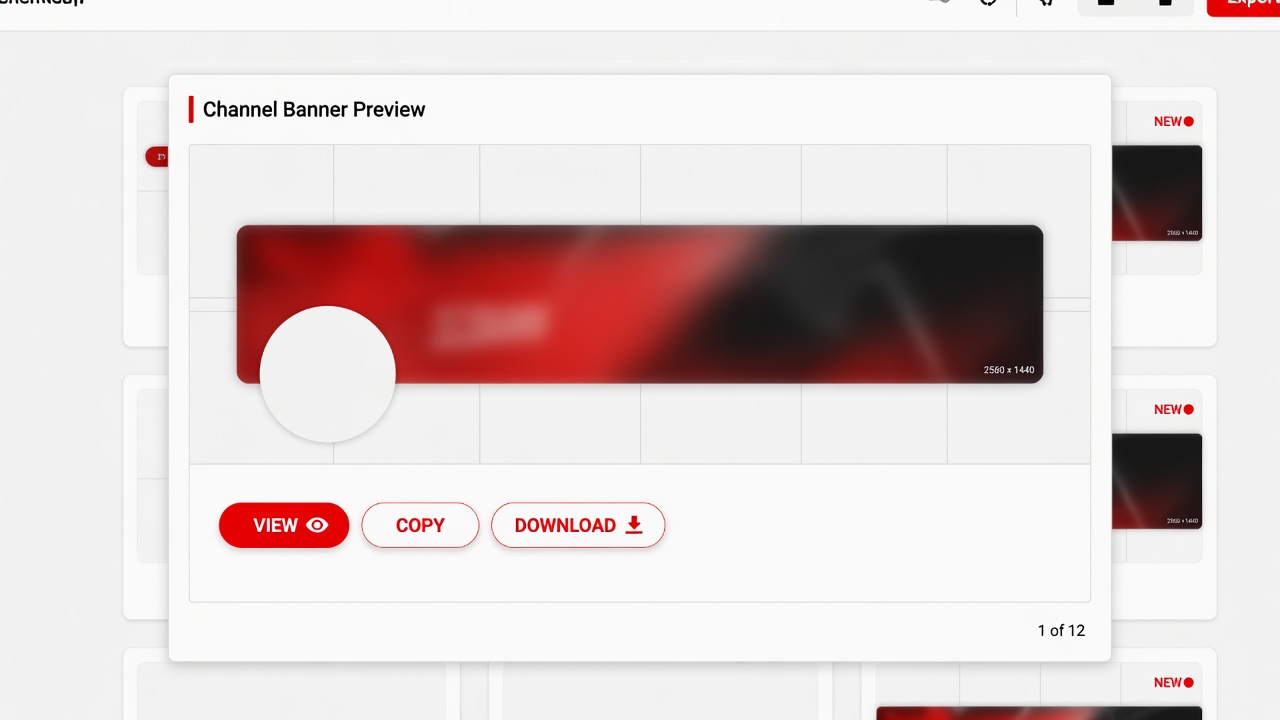
Step 2
The tool shows every display size YouTube currently serves for that channel art.
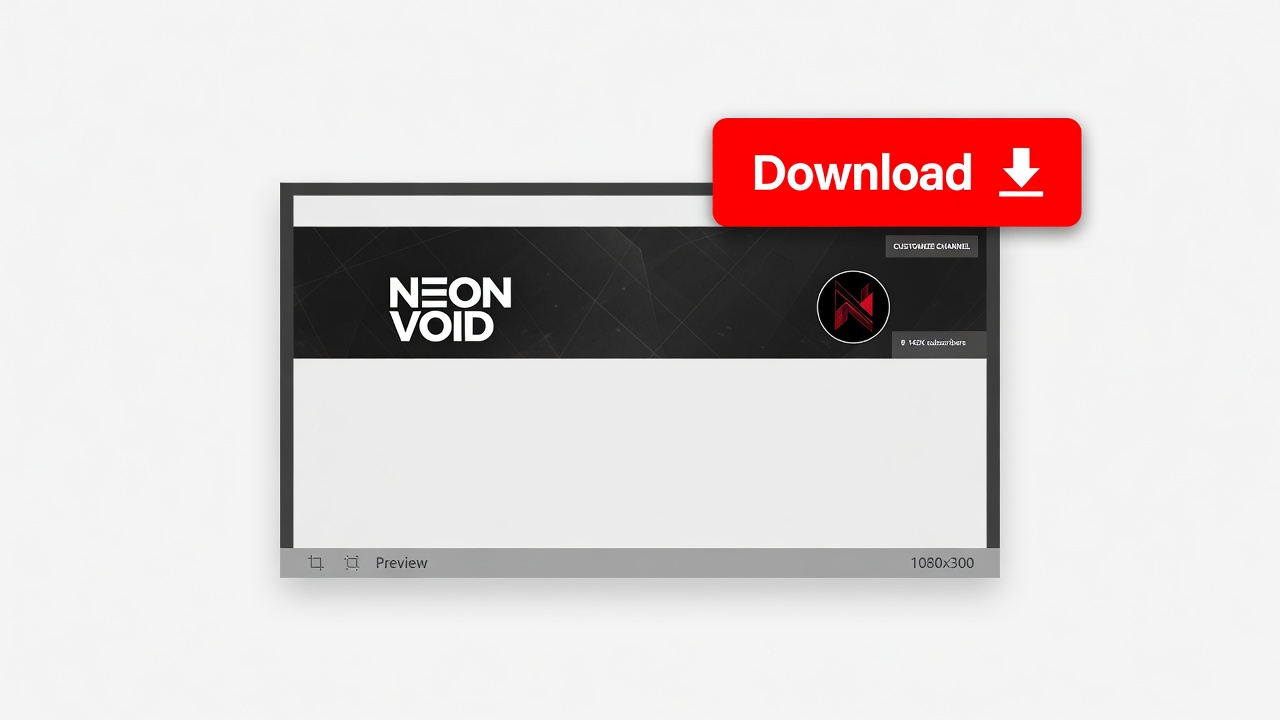
Step 3
Save the size you need as a JPG. If the channel has no banner, the grid stays empty instead of faking a file.
Why here
Other results mix Canva banners, PSD packs, and size charts. This URL only returns published channel art.
If YouTube has no banner for that channel, you get an empty grid, not a generated placeholder.
Paste a watch URL when you do not have the channel page. The lookup follows the public owner of that video.
Use the profile picture downloader for the circular channel icon. Same paste, different file.
Video thumbnails still live on the YouTube Thumbnail Downloader homepage. Banner, avatar, and video cover are three different public files.
Limits
Product limits, not legal small print.
When to use it
Reference, a write-up, or checking what the channel published — not a new design.
Input: Their channel URL or a video on it
Output: The public banner at the widths YouTube serves
Note: Still their art. Use it as reference.
Input: The channel you are writing about
Output: A clean JPG without the YouTube chrome
Note: Credit the channel.
Input: Your channel @handle
Output: The public file currently on the channel page
Note: Studio still holds the original upload if you need the full canvas.
FAQ
Written like the Google box — answered with what this downloader does.
Paste the channel @handle, the /channel/ URL, or a public video from that channel, then click Get banner. Download the size you want. That is a YouTube channel banner download from the link, not a trip through Studio.
Yes. Channel art download by link is the whole job: public channel page, @handle, or a video URL. You do not need the raw yt3.googleusercontent.com address.
Use your own channel URL the same way. If you uploaded the art in Studio, this page still only returns the public file the channel page already shows.
No. Searches for channel art templates, PSD, Canva packs, or “welcome to my channel 1024×576” are maker jobs. This tool only saves the banner a real channel already published.
YouTube serves the public banner at several display widths (often up to 2560 pixels wide, cropped for the header). That is not the same as the 2560×1440 upload canvas in official help. The grid labels the pixels of the file you actually get.
Only if YouTube stored a file that large. This page does not upscale a header crop into 4K or label a small file as Ultra HD.
No. It is a webpage. You do not install a Chrome extension, APK, or desktop app.
Yes. Public channels, no account, no watermark, no daily cap.
Yes. A public watch, Shorts, or youtu.be link is enough. The tool finds the channel that owns the video, then loads that channel’s banner.
Some channels never uploaded channel art. The grid stays empty instead of inventing a placeholder. You can still use the profile picture downloader for the avatar.
No. “How do I put a banner on my YouTube channel” is YouTube Studio. This page only downloads the public file.
The image is the channel’s artwork. This page only requests the public file the channel page already loads. Use it as reference. Re-uploading it as your own art is not the same thing. This is not legal advice.
Ready
Paste a public channel or video link. YouTube channel banner download from that address is enough.
Download a channel bannerYour feedback helps us make YouTubeThumb.com better.

Thank you for your feedback